Batch Metadata Remover —Clean Many Files at Once
Add a whole batch of images, PDFs and Office documents, and this batch metadata remover cleans every one of them automatically — right on your own device — then packs every clean copy into a single ZIP you download in one go.
- Images, PDFs & Docs Together
- No Upload, No Sign-up
- One-Click ZIP Download
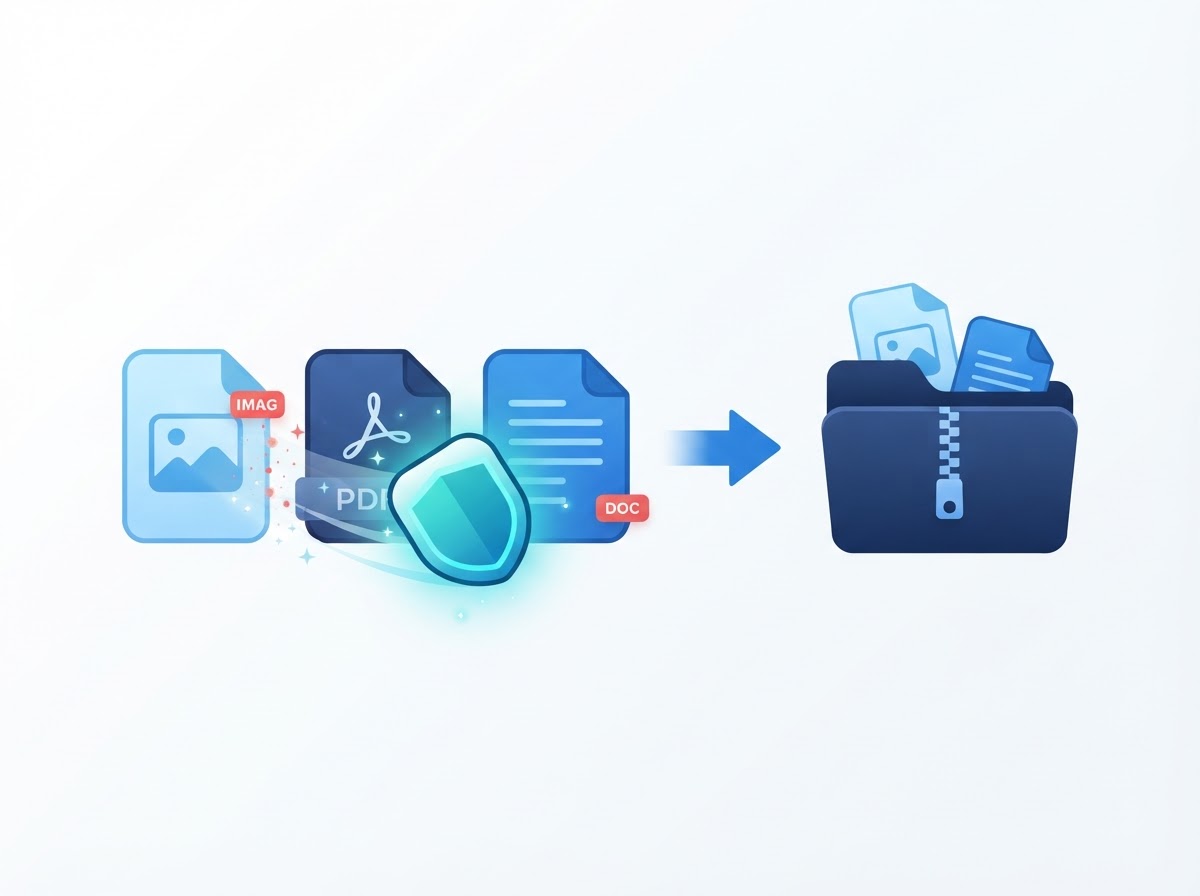
Batch Queue
- Photo.jpg:
- Cleaned
- Report.pdf:
- Cleaned
- Notes.docx:
- Cleaned
- Output:
- 1 ZIP file
Your privacy,
our priority
Batch Queue
No files added yet.
- Add files above to see them listed here.
Full Metadata Report
What This Batch Metadata Remover Cleans
One queue, three engines, run automatically per file.
A batch almost never contains only one kind of file — a folder ready to share might hold a few photos, a signed PDF and a Word summary. This tool detects each file's format as you add it and routes it to the matching engine, the same ones that power the site's three dedicated tool pages, so nothing in the batch is skipped.
- Images (JPG, PNG, WebP) — EXIF, XMP, IPTC and ICC data, including camera make/model, lens and serial numbers, timestamps and GPS coordinates, removed by re-encoding the pixels through a canvas.
- PDF files — the Document Information dictionary (Title, Author, Subject, Keywords, Creator, Producer, creation/modification dates) blanked and the catalog's metadata link disconnected.
- Word, Excel & PowerPoint (.docx, .xlsx, .pptx) — Title, Author, Company, Manager, Keywords, revision number, dates and any custom document properties removed from the document-property XML parts.
- Unsupported files — legacy .doc/.xls/.ppt and password-protected PDFs are detected and clearly marked "Unsupported" in the queue, rather than silently failing.
Every cleaned file keeps its own name with a -clean
suffix inside the final ZIP, so it is always obvious which file is
which once the batch finishes.
How to Remove Metadata From Many Files (3 Steps)
Clean a whole folder in about a minute.
The whole batch runs on your own device. Nothing is sent anywhere, so there is no upload wait no matter how many files you add.
- Add your files. Drag any mix of images, PDFs and Office files onto the upload box above, or press Choose Files to pick several at once. You can also load three sample files to see every engine run. Up to 25 files, 20 MB each, are accepted.
- Watch the queue clean each one. Every file is scanned and cleaned automatically with the matching engine for its format. The queue shows each file's status and how many metadata fields it carried; choose Details on any finished file for its full field-by-field report.
- Download everything as one ZIP. Press Download All as ZIP once the batch finishes, or use the per-file Download button if you only need one file right away. Your originals stay untouched on your device.
Each file is processed with the exact same engine as its dedicated single-file tool page, so the result is identical whether you clean it here or there — batching just saves the repeated clicks.
Why This Metadata Remover Is Private
The design, not a promise.
Most "online" batch tools upload every file in your folder to a server, process them there, and send a ZIP back. That means handing your entire batch — photos, contracts, reports — to someone else's computer at once. This tool takes the opposite approach: your browser does all the work, file by file.
The File API reads each file straight from your disk, the same dependency-free EXIF parser, pdf-lib and JSZip libraries clean it in memory, and the open-source JSZip library then packs every cleaned output into one archive — all without a single request carrying your files leaving your device, which has four practical consequences:
- Nothing to intercept, because there is no upload in transit.
- Nothing to breach, because we hold no library of user files.
- Nothing to take on trust, because we cannot delete what we never received.
- Nothing to wait for, because the whole batch runs at local speed.
Closing or refreshing the tab discards everything. There is no account, no email field and no watermark, and advertising rather than subscriptions pays for the hosting. Our privacy policy sets out exactly what the website itself records, and the disclaimer covers the format limits honestly.
Supported Files & Limits
What works today, and the honest limits.
Images, PDFs and Office documents, mixed freely
JPG, PNG and WebP images, PDF files, and Word, Excel or PowerPoint documents can all be dropped into the same batch. Each is detected by its file type and routed to the matching engine automatically — there is nothing to configure per file.
What is not supported yet
Legacy .doc, .xls and .ppt
files, and password-protected PDFs, cannot be cleaned by a
browser-based tool without extra steps. Any such file is marked
Unsupported in the queue rather than silently
skipped, so you always know which files in a batch were actually
cleaned.
Batch size
Up to 25 files per batch, each up to 20 MB. Because the work happens on your own device, the real ceiling is your browser's available memory rather than a server quota — a very large batch may simply take a little longer on an older device.
Who Needs to Batch-Clean Metadata?
Five situations where cleaning one file at a time is too slow.
- Photographers delivering a gallery. Dozens of final images need EXIF and GPS removed together before a client download link goes out.
- Teams preparing a document pack. Proposals, reports and supporting PDFs for one client should all leave with the same Author and Company fields cleared.
- Job seekers and freelancers. A CV, a cover letter and a portfolio PDF built from different templates can each carry a different stray identity in their properties.
- Real estate and marketplace listings. A full set of listing photos needs GPS and camera data stripped at once, not one upload at a time.
- Anyone archiving a shared folder. Cleaning an entire folder before handing it off keeps every file consistent, not just the ones remembered individually.
For the wider picture — what metadata reveals, what the law says, and a first-hand survival test across formats — see our guide to metadata privacy and how to protect yourself.
Batch Metadata Remover FAQ
Common questions about this tool.
Drag a batch of images, PDFs and Office files onto the upload box above, or choose several files at once. Each file is scanned and cleaned automatically in the queue, and when it finishes you can press Download All as ZIP to get every clean file in one archive.
Yes. There is no sign-up, no email required, no watermark added to your files and no cost. Advertising pays for the hosting.
No. Each file is read and cleaned locally in your browser with the same engines that power the dedicated image, PDF and document tools, then zipped with the open-source JSZip library. Nothing is uploaded, queued or stored anywhere — closing the tab discards everything.
You can mix JPG, PNG and WebP images, PDF files, and Word (.docx), Excel (.xlsx) or PowerPoint (.pptx) documents in the same batch. Each file is automatically routed to the matching cleaning engine. Legacy .doc/.xls/.ppt files and password-protected PDFs are not supported yet and are marked as unsupported in the queue.
Up to 25 files per batch, each up to 20 MB. Because everything runs on your own device, the real limit is your browser's available memory rather than a server quota.
Yes. Every finished file in the queue has its own Download button, alongside a Details button that opens the full metadata report for that file. Download All as ZIP is there for when you want everything in one go.