How to Share Photos Online Safely When You're Selling Something
Listing photos are taken at home, published to strangers and kept up for weeks. A five-minute routine fixes the risk.
Selling a sofa is a strange privacy situation and almost nobody treats it as one. You photograph something inside your home, publish the pictures to an audience of complete strangers, and then invite one of them to come round and collect it.
Every other kind of posting is a one-way broadcast. A marketplace listing is an invitation, which is precisely why selling photos online privacy deserves more attention than a holiday snap does. The listing stays up for weeks, it is indexed, and the people reading it have a reason to find out where you are.
None of this requires paranoia. It requires a short routine, run once per listing, and one setting changed permanently.
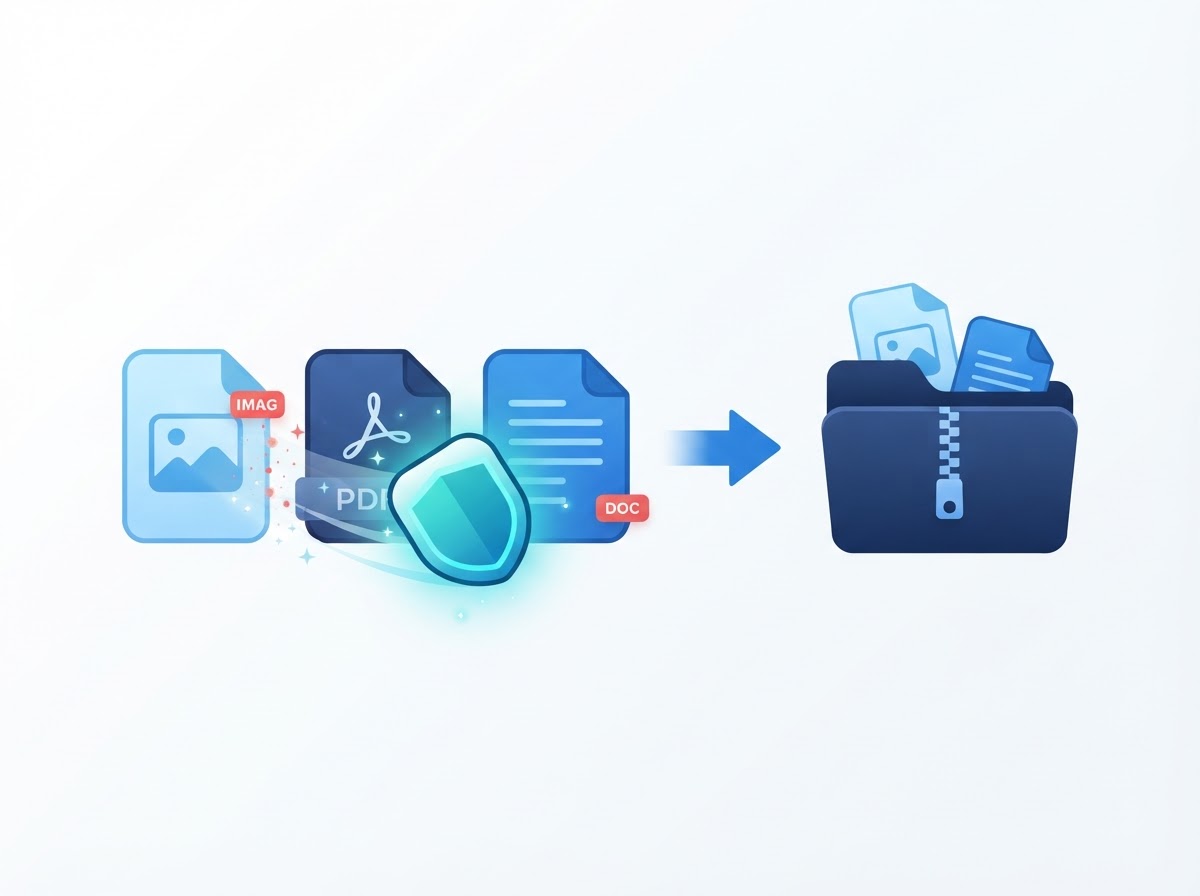
Two risks, and only one of them is hidden
The first lives inside the file. If positioning was active when you pressed the shutter, the picture carries coordinates accurate to roughly a metre. Dropped into any mapping site, they do not indicate a neighbourhood; they indicate a building, and usually a specific entrance.
The second is simply what the camera saw. A door number on a frame behind the item. A letter on the hall table. A key fob with a company logo. The view through a window, which can be matched against street imagery with surprising speed. The Global Investigative Journalism Network documents how investigators locate pictures from exactly these fragments, and nothing about that technique requires special access.
People defend against the first risk and forget the second, partly because cleaning a file feels like completing a task. Our pre-sharing checklist goes through the visible half in general terms; this article applies it to the specific situation of selling something.
The marketplace difference: an ordinary post is seen by people who already know you. A listing is seen by strangers who are actively motivated to contact you, who may arrange to visit, and who can save every picture before you take the advert down.
What a listing photo can give away
| What | Where it lives | How to deal with it |
|---|---|---|
| Coordinates of your home | Hidden in the file | Strip before uploading |
| Capture date and time | Hidden in the file | Strip before uploading |
| Device make, model and serial | Hidden in the file | Strip before uploading |
| Door number or street sign | Visible in the frame | Crop or reframe |
| Post, parcels, prescriptions | Visible in the frame | Move them out of shot |
| Reflection in glass or a screen | Visible in the frame | Change the angle |
| Recognisable view from a window | Visible in the frame | Close the curtains |
| Uniforms, school bags, name labels | Visible in the frame | Remove from the scene |
The device identifiers deserve a note. A camera serial number is unique to one physical handset, which means two listings posted under two different account names can be matched to the same seller. For anyone running a small resale business under a trading name, that is a meaningful link. The full breakdown of these tags is in what is EXIF metadata.
The five-minute routine
- Turn positioning off before you photograph anything. This is the step with the best return, because it applies to every future photo rather than the one in front of you. The exact menus for both systems are in removing GPS from photos on iPhone and Android.
- Set up a neutral spot and reuse it. One plain wall, one clear table, or a cheap sheet draped over a chair. Photograph everything you sell in that spot and the background stops being a variable you have to think about each time.
- Take the photos, then look at them properly. Open each one full-screen and scan the edges rather than the item. This is where you catch the parcel in the corner and the reflection in the television.
- Clean the whole set in one pass. Drop every picture into the batch metadata remover, which processes them together and returns a single archive. For a lone photograph the image metadata remover is quicker, and when positioning is your only concern the GPS location remover is the most direct route. All three work inside your browser; nothing is uploaded.
- Spot-check one file. Open a cleaned picture in our metadata viewer and confirm no positioning group is reported. Check the first time you use any tool, including ours.
- Upload the cleaned copies. Not the originals. This sounds obvious and is the most common mistake — the originals are still first in the camera roll, and the picker defaults to recent files.
Why clean at all if platforms re-encode? Because the behaviour is a by-product of compression rather than a promise, it differs between sites and apps, and smaller marketplaces may not do it. We examined this service by service in do Facebook, Instagram and WhatsApp remove photo metadata? The short version: cleaning first is the only part that behaves the same everywhere.
What we found in our own listing photos
To write this with something concrete behind it, we did a small check on photographs taken the way a seller would take them. The method: four pictures of an ordinary household object shot indoors on a phone with positioning left at its default setting, then read field by field with our own parser before anything was edited.
All four carried coordinates. That was expected. Two things were less expected and are worth passing on.
First, the indoor shots were geotagged just as reliably as the one taken by a window. Phones fall back on nearby wireless networks and cell towers when satellites are weak, so "I was inside" is not a defence. Second, and more awkwardly, the pictures we had cropped to tidy the framing still contained an embedded preview thumbnail generated at capture — depicting the wider scene we had just cropped away. The crop was applied to the main image and the miniature copy was left as it was.
That second finding is the practical argument for rebuilding a file rather than editing bits of it. A cleaner that writes a new file from decoded pixels discards the stale preview along with everything else.
Beyond the photos
A few habits that sit alongside the file-cleaning and matter just as much.
Arrange collection somewhere public where you can
For small items, meeting at a supermarket car park or a staffed collection point removes the home-visit question altogether. For a wardrobe that is not realistic, in which case have somebody else at home when the buyer arrives.
Keep the conversation inside the platform
Marketplaces keep a record of messages, which matters if something goes wrong. Moving to a personal number early is a common pressure tactic and hands over a permanent contact detail.
Watch what the listing text reveals
"Collection from the flats behind the primary school" is a cleaned photo undone by a caption. The same applies to a profile picture taken on your own doorstep.
Think about timing
A listing that says the item must go before Friday because you are moving on Saturday announces an empty property on a specific date. State a deadline if you need one, without explaining it.
Treat receipts and paperwork as documents
Sending a proof of purchase or a warranty card? Those are files with their own properties. Our PDF metadata remover handles the author and producer entries, and why blacking out a PDF is not enough explains why covering an order number with a rectangle does not remove it.
Why this is worth the five minutes
Regulators treat location trails as personal information when they can be tied to an individual. The UK Information Commissioner's Office is explicit that identifiability can arise from combining data, and NIST SP 800-122 makes the same argument from an engineering perspective. A coordinate pair plus a first name plus a rough collection time is a combination.
Practical guidance points the same way. The UK National Cyber Security Centre recommends limiting what you publish about your location and routine, and a marketplace listing is publishing in every meaningful sense.
Our own privacy policy sets out what this site does and does not receive when you use the tools above — which is, deliberately, nothing.
Frequently Asked Questions
Can a buyer really find my address from a listing photo?
If the file still carries positioning data and the marketplace serves it unchanged, then yes — the coordinates resolve to a building on any map. Even without them, a door number or a distinctive view through a window narrows things down very effectively.
Do marketplaces strip the coordinates for me?
The larger ones generally re-encode uploads for bandwidth reasons, which discards most of the camera record as a side effect. It is not a guarantee, it varies between sites and apps, and smaller platforms may pass your file through untouched.
What is the single most important thing to do?
Switch off positioning for your camera app. It takes under a minute, applies to everything you photograph from then on, and means the riskiest field is never written in the first place rather than needing to be removed afterwards.
I have thirty photos for one listing. Must I clean each one?
Clean all of them, but not individually. A batch cleaner takes the whole set at once and returns them in a single archive, which removes the temptation to treat only the main picture and forget the fourteen detail shots behind it.
Is a photo taken indoors safe from geotagging?
Not necessarily. Phones combine satellite positioning with nearby wireless networks and cell towers, so an indoor shot often still records usable coordinates. Being inside your home makes the result more sensitive rather than less.
Should I use stock images of the product instead?
Please do not. Buyers rely on genuine photographs to judge condition, most marketplaces require them, and reusing a manufacturer's image can infringe copyright. Photograph your own item against a neutral background and clean the files instead.
What about the photos I send privately in chat?
Apply the same treatment. A private message to one buyer is still a file handed to a stranger, and some messaging paths deliver it byte for byte. Clean anything you send, not only what appears on the public listing.
Does blurring the house number in a photo work?
Sometimes, and cropping is safer. Certain editors store the blur as a separate layer over the untouched pixels, and heavily pixelated digits have been reconstructed before. Cutting the area out of the frame removes the information entirely.
Conclusion
Selling something is the one everyday situation where a photograph taken at home goes to an audience of strangers with a reason to find you. That combination is unusual enough to deserve a deliberate habit rather than good intentions.
The habit is short. Positioning off, one neutral backdrop, the whole set through a cleaner, a scan of the frame, and the cleaned copies uploaded rather than the originals. After the first listing it takes less time than writing the description.
Strip the location from your listing photos for free — the work happens in your browser, nothing is uploaded, and the originals stay untouched on your device.
Sources
- UK National Cyber Security Centre — Top tips for staying secure online
- UK Information Commissioner's Office — What is personal data?
- NIST SP 800-122 — Guide to Protecting the Confidentiality of PII
- Global Investigative Journalism Network — How to Protect Yourself from Metadata
- Apple Support — Control access to location information on iPhone
The photo check described above was run on our own sample images in October 2026. External links open in a new tab.